
How to Open and Switch Between Multiple Schedule Files
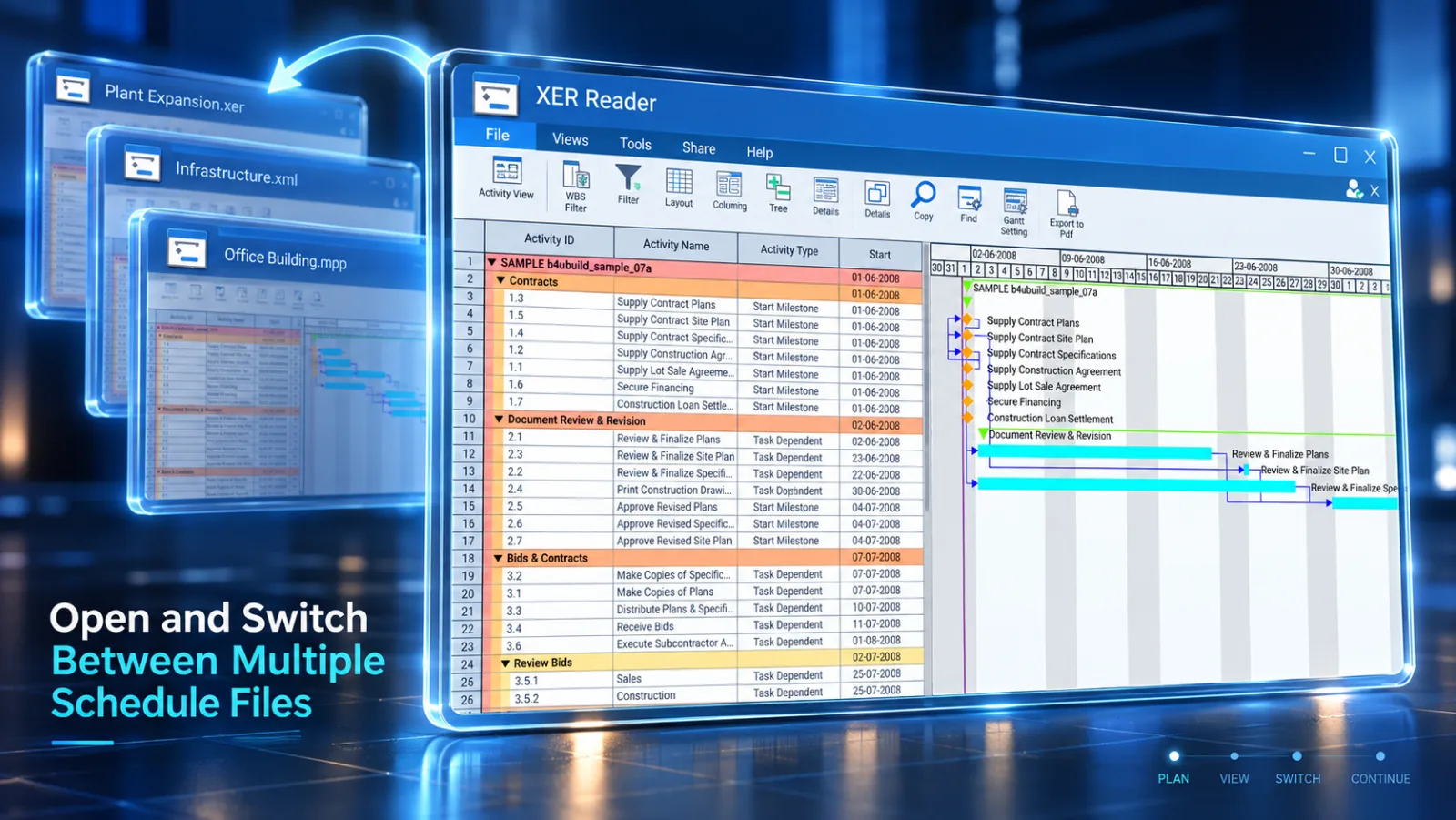
XER Reader lets you quickly access recently viewed projects and open different schedule formats without restarting the application.
Steps to Open Recent Schedules
-
Click File in the top ribbon toolbar.

-
Hover over Recents to view the list of recently opened files.
-
Click any file from the list to load it immediately.
Managing File Workspaces
- Active File: Look at the lower status bar to verify the currently loaded file path.
- Closing: Select File → Close to clear the workspace before opening another project.
- Fast Switching: Opening a new file automatically replaces the current active view with the new schedule dataset.