
How to Create, Save, and Export Workspace Layouts
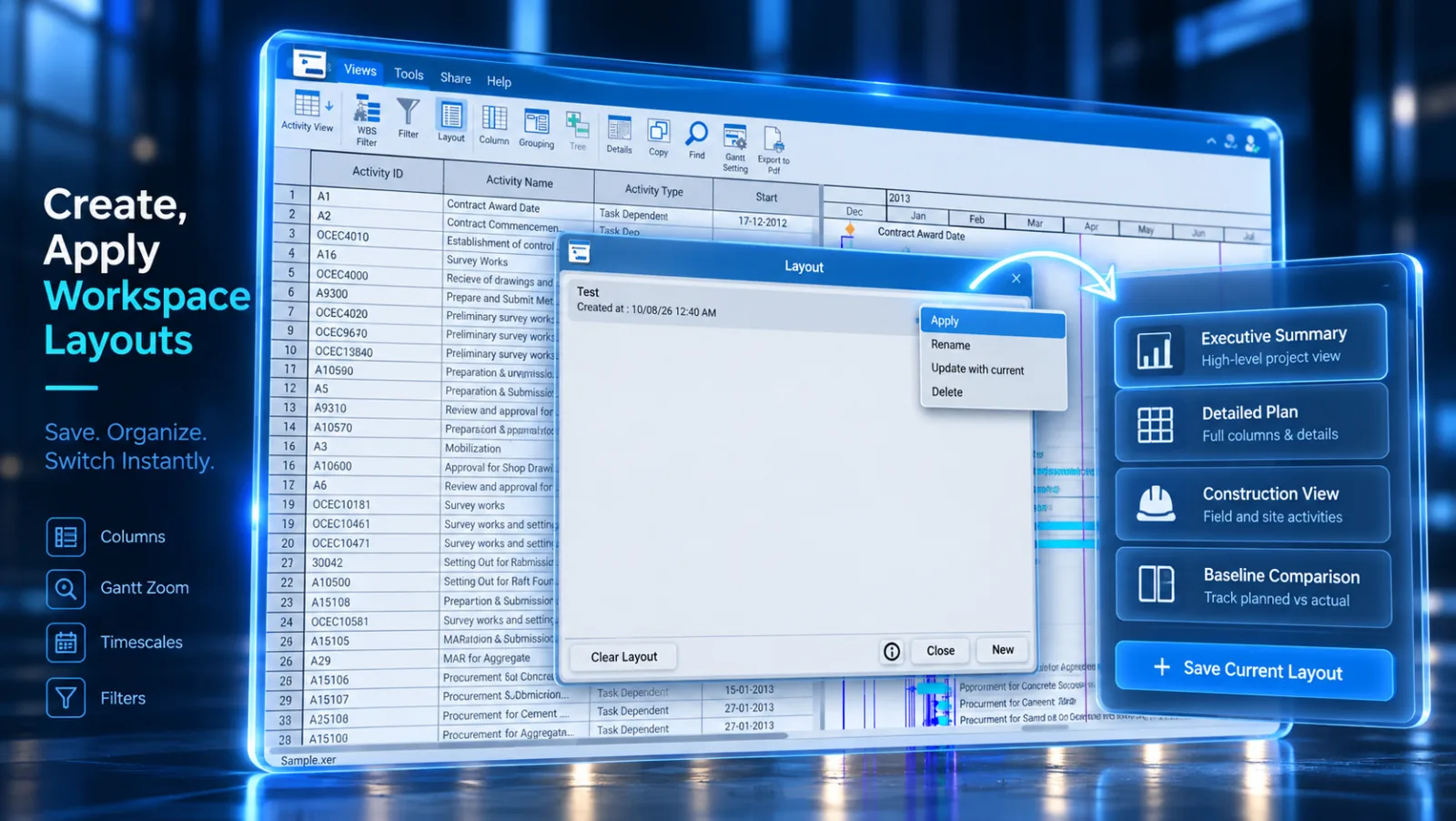
Layouts save your visible columns, sorting rules, group banding, and Gantt settings so you can switch views or share configurations with teammates.
Steps to Manage Layouts
-
Select the Tools tab in the ribbon and click Layout.

-
Click Save Layout As... to save your current screen layout with a custom name.
-
To apply a saved layout, select it from the list and click Open.
-
Use Export to save the layout as an external file to share with team members.
Layout Actions
| Button | Action |
|---|---|
| Open | Applies the selected layout to the active schedule view. |
| Save | Overwrites the active layout with current screen adjustments. |
| Export | Saves layout settings into an exportable file for team sharing. |
| Delete | Removes an obsolete custom layout from your library. |