
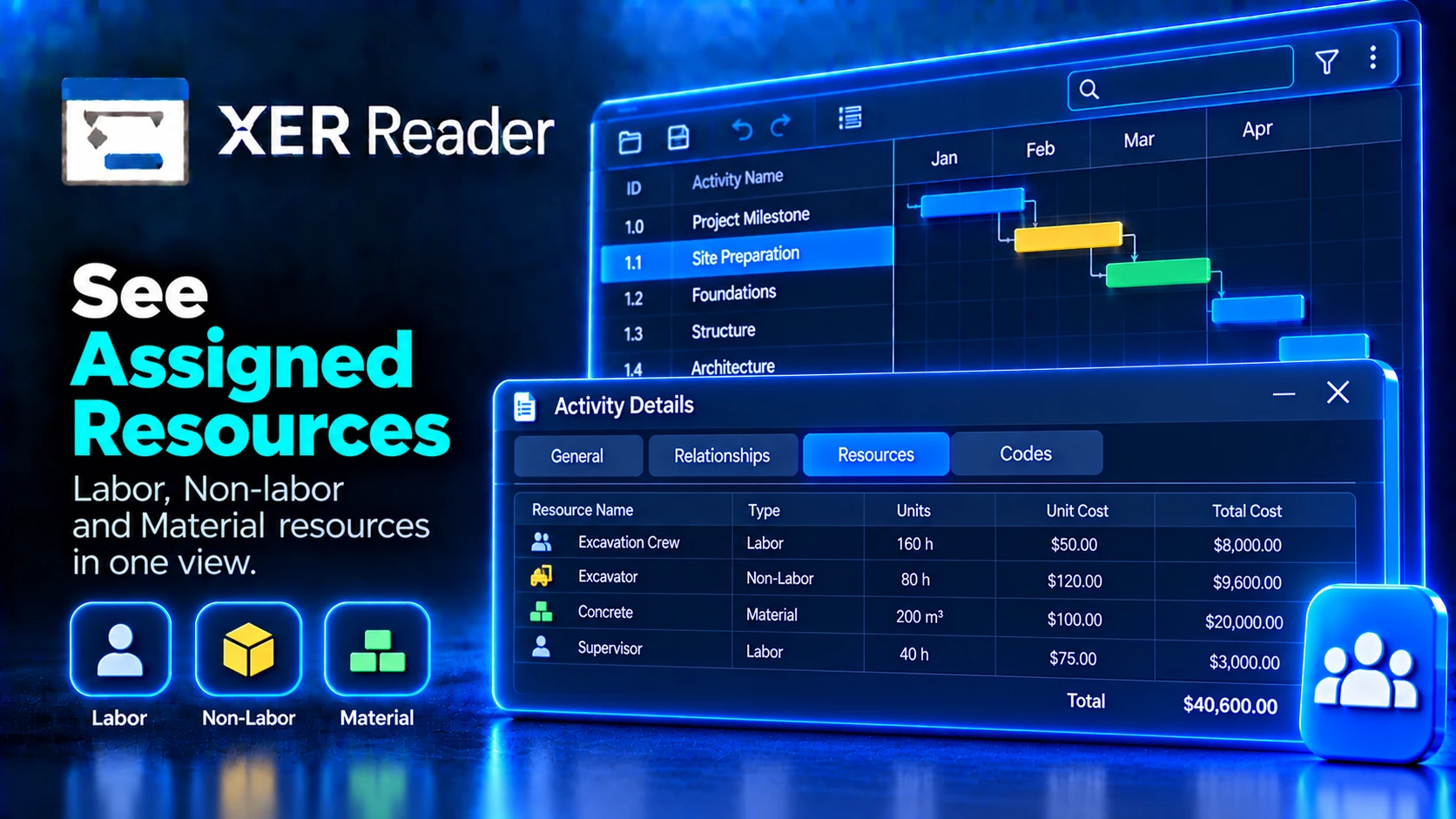
The Resources tab lists the resources assigned to the selected activity.
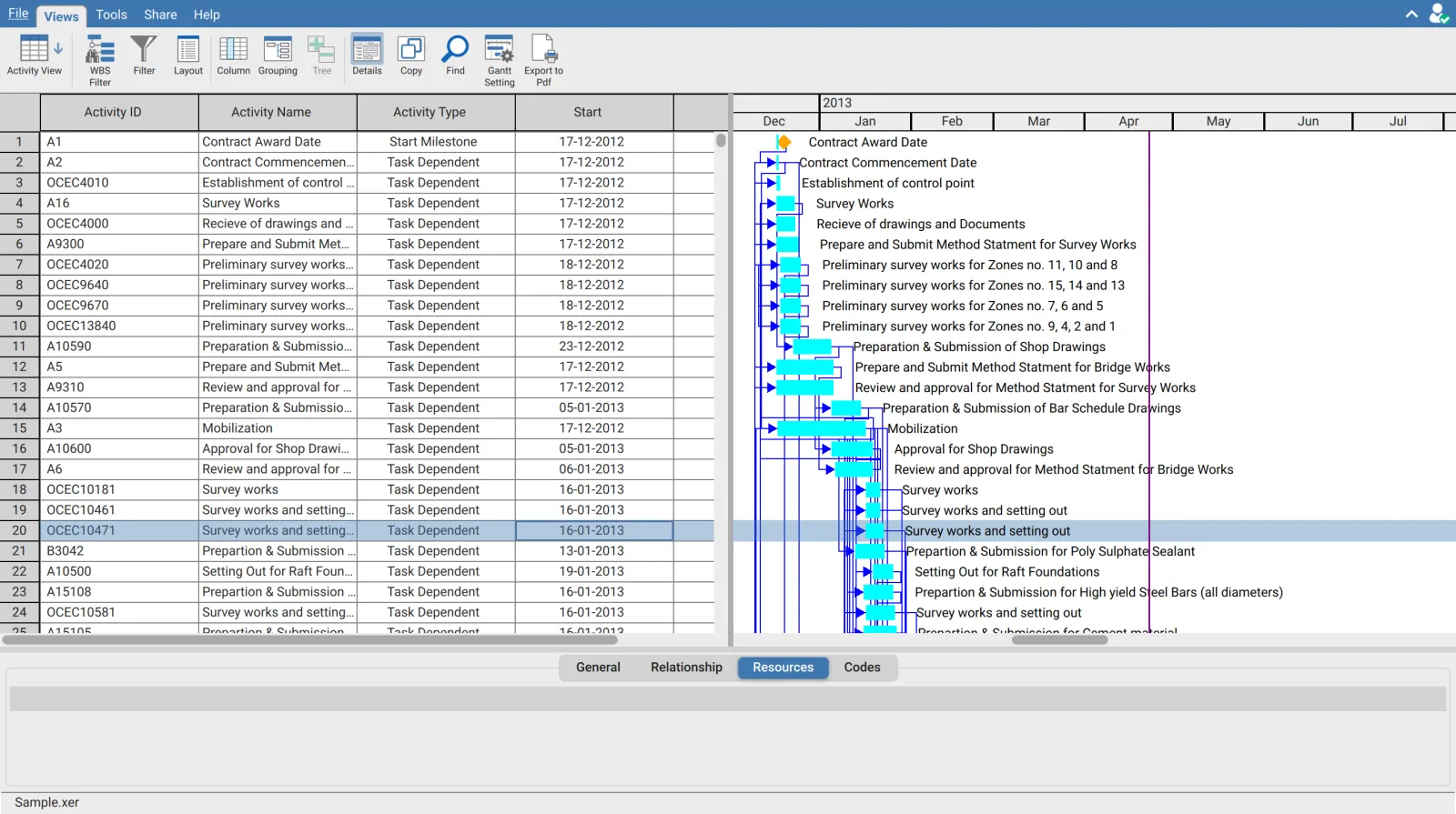
Scope
This tab answers which resources are on the selected activity. It does not show what else those resources are committed to, which is the question the Resource Assignment view answers.
| Question | Where to look |
|---|---|
| What is assigned to this activity | The Resources tab |
| What is this resource assigned to across the schedule | Resource Assignment view, grouped by resource |
| When is this resource committed | Resource Calendar view |
An empty tab is normal
Many schedules carry logic and dates with no resource loading at all. An empty tab means the activity has no assignments in the file rather than a failure to read them. If every activity is empty, the schedule is not resource loaded.
Resource data in the table
Resource fields are also available as activity table columns, including budgeted and actual units and cost where the schedule carries them. Adding those columns is how you review resource data across many activities at once rather than one at a time.
Resource data is included in an export only when Export Resources is ticked in the Export dialog. See Export schedule data.