
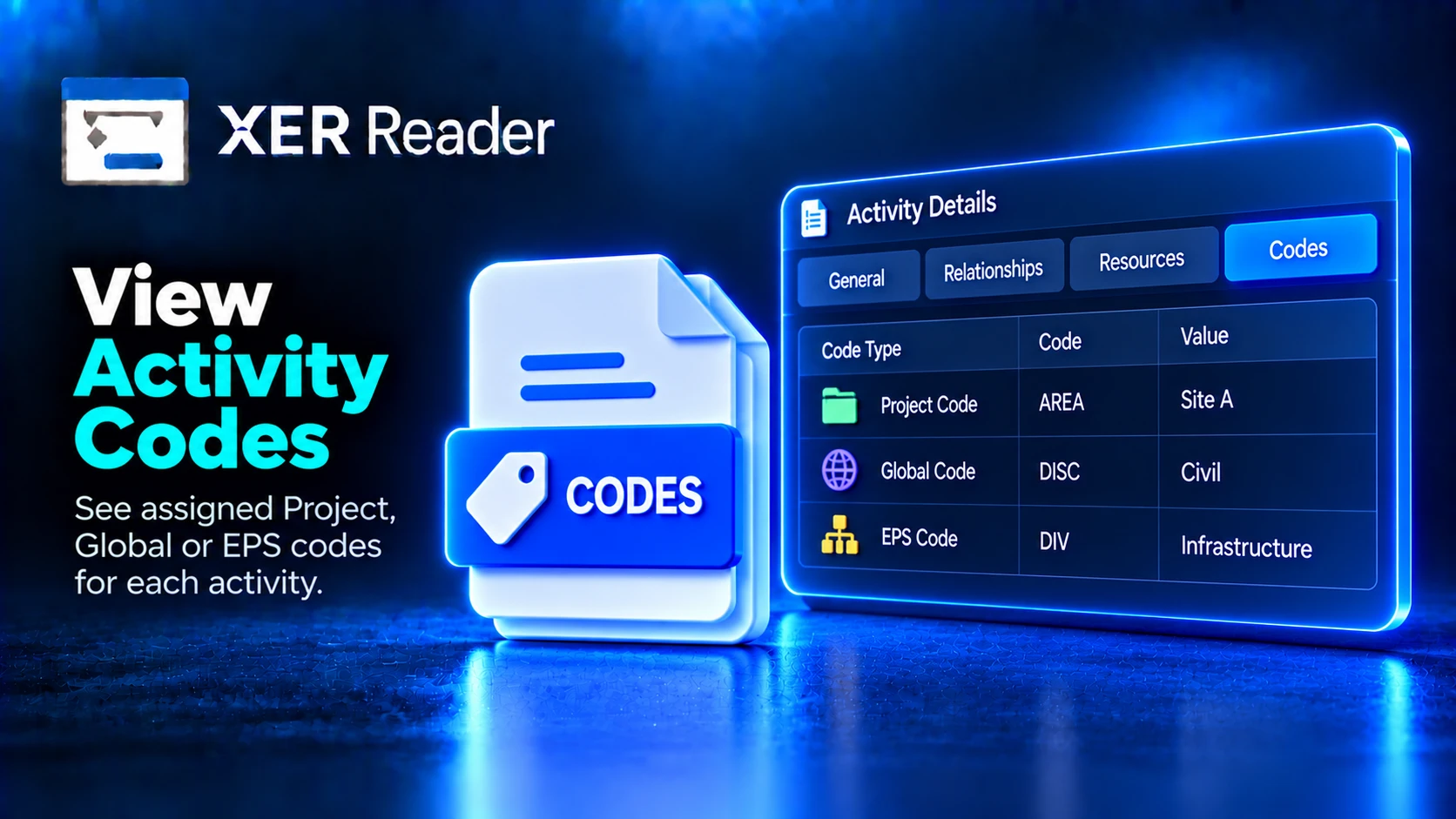
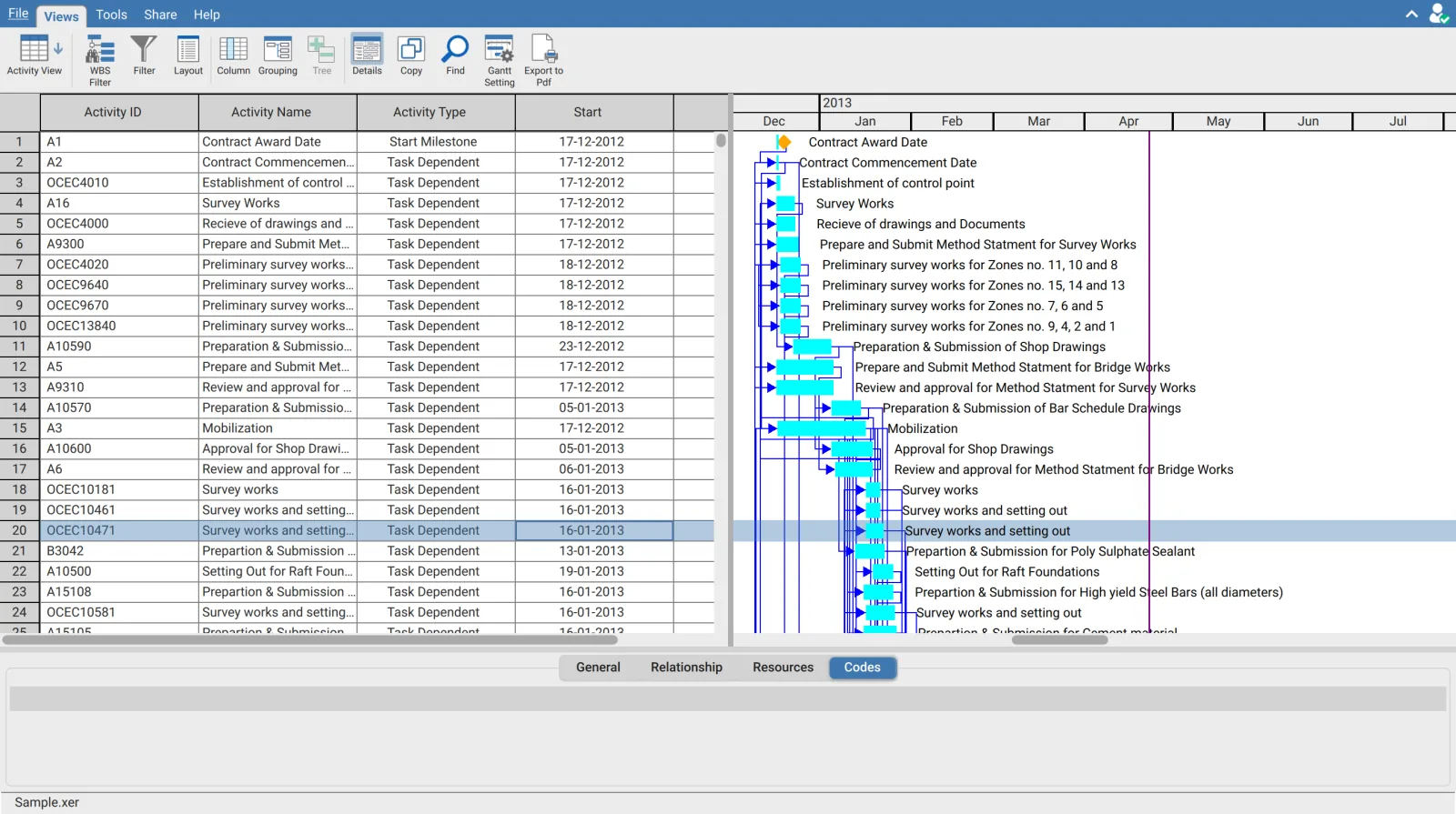
The Codes tab lists the activity code values assigned to the selected activity.
What activity codes are
Activity codes are classifications defined in the schedule rather than by the application. Typical codes cover area, discipline, contractor, phase or system. Each value carries a short code and a longer description, and an activity can hold a value for several codes at once.
Because codes come from the file, the codes available change with the schedule you open.
Why codes matter more than they look
The WBS describes how the work was broken down. Activity codes describe everything else about it. Grouping by contractor or discipline reorganises the schedule around how the work is actually delivered, which the WBS often does not reflect.
| Use | Where |
|---|---|
| Group the schedule by code | Grouping, selecting the code as the Group By field |
| Filter to one code value | The column header filter on that code's column |
| Read the codes on one activity | This tab |
| Show a code alongside the activities | Add the code as a column |
When grouping by an activity code, Show code and Show description decide which half of the value appears on the group row. Teams that speak in codes and teams that speak in descriptions both exist, and both options can be shown together.
Codes and the EPS
The column chooser lists activity codes in three categories, Global, EPS and Project, reflecting the level at which each code was defined in Primavera P6. All three appear on this tab when the activity carries values for them.